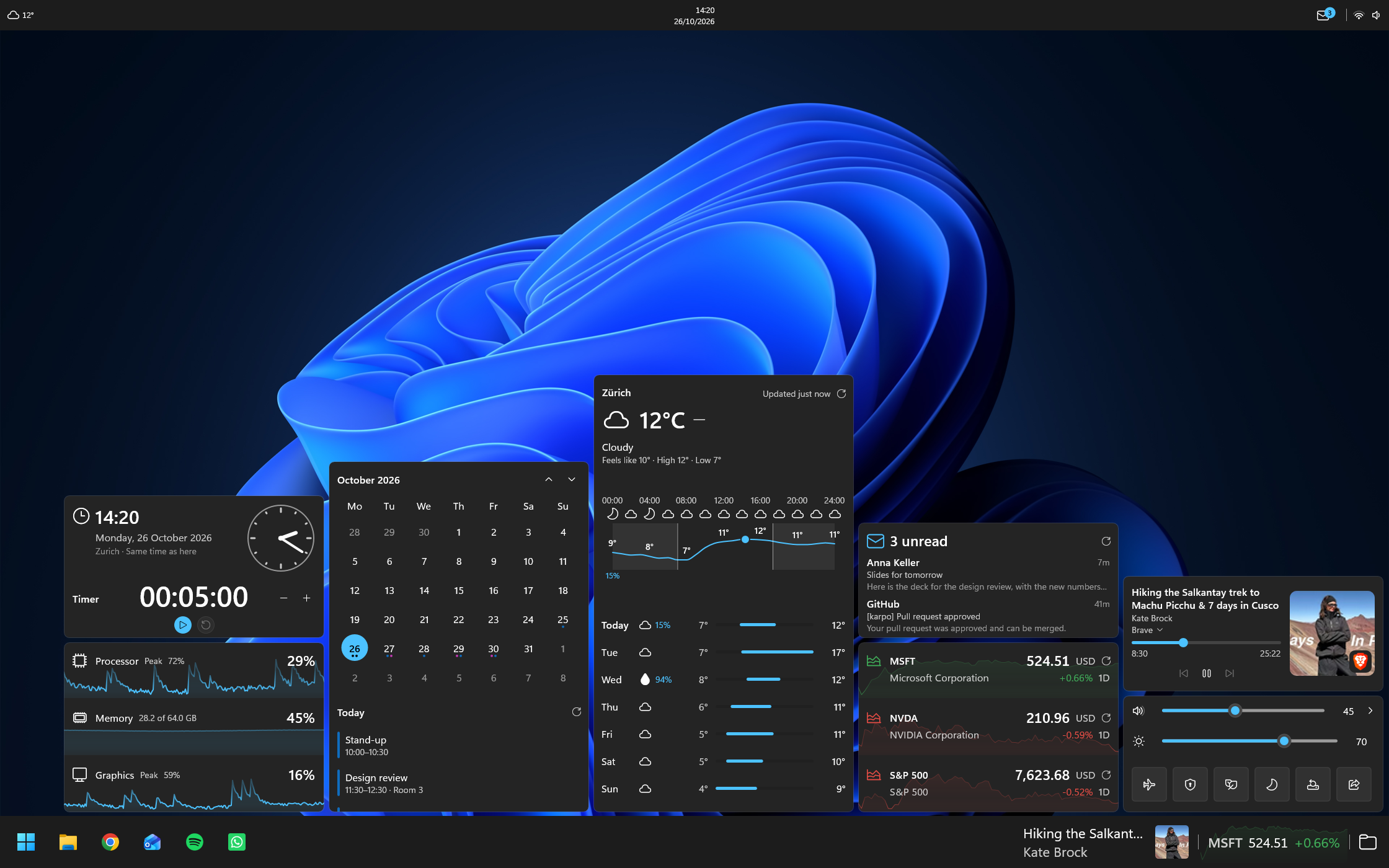
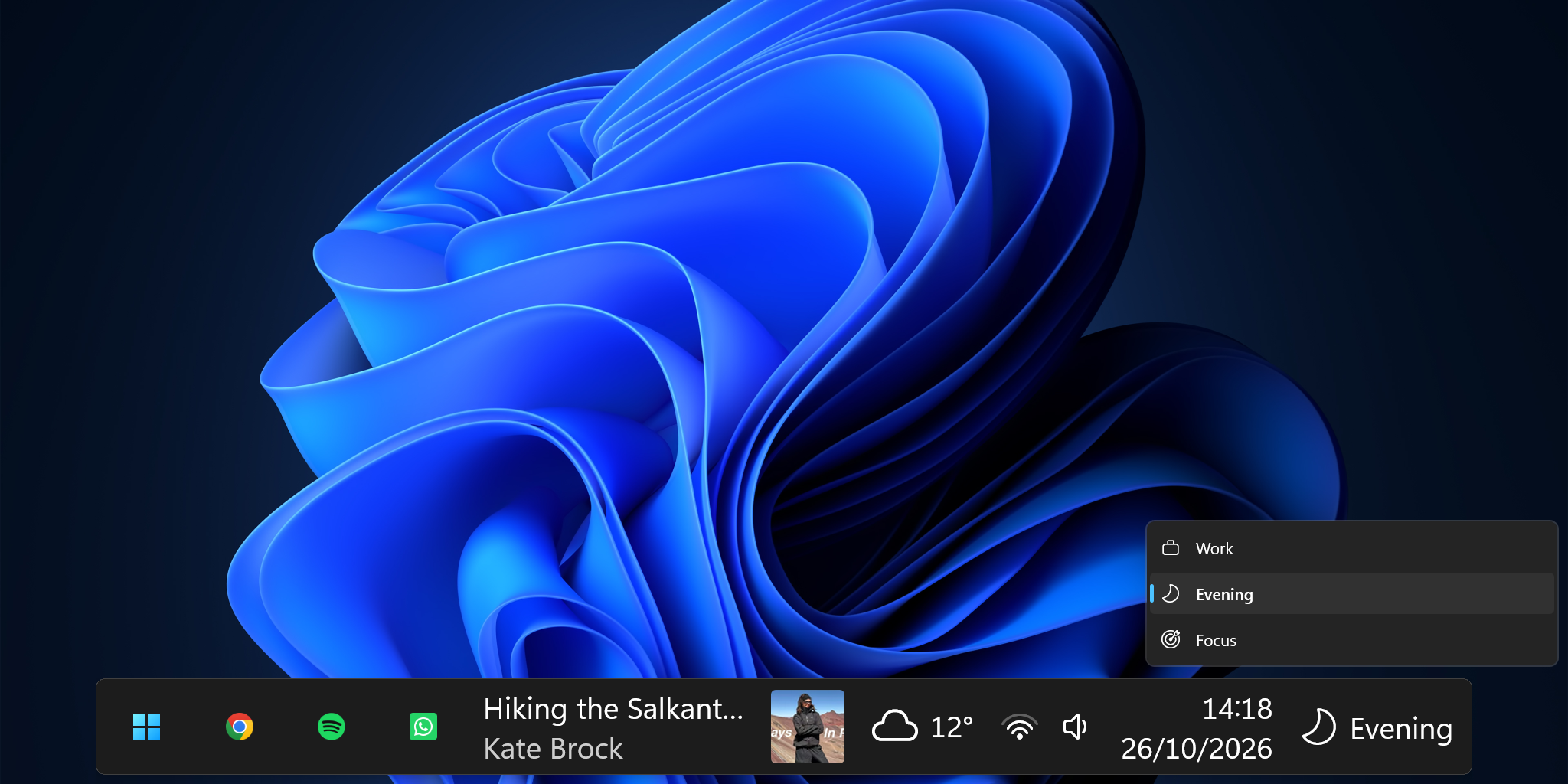
Your calendar and mail, the weather, stocks, music, timers, quick settings and how hard your PC is working. Put any of them on the taskbar, or gather them in a folder that opens with one click.
Your meetings and emails on the taskbar
Weather, music and your PC at a glance
Folders you fill with widgets
Layouts for work, evenings and games
The Windows taskbar on overdrive
The Windows taskbar, with your day in it. See your next meetings and new emails, the weather and your music at a glance, and open folders full of widgets with one click.
Your day
Your meetings and emails, not just a date.
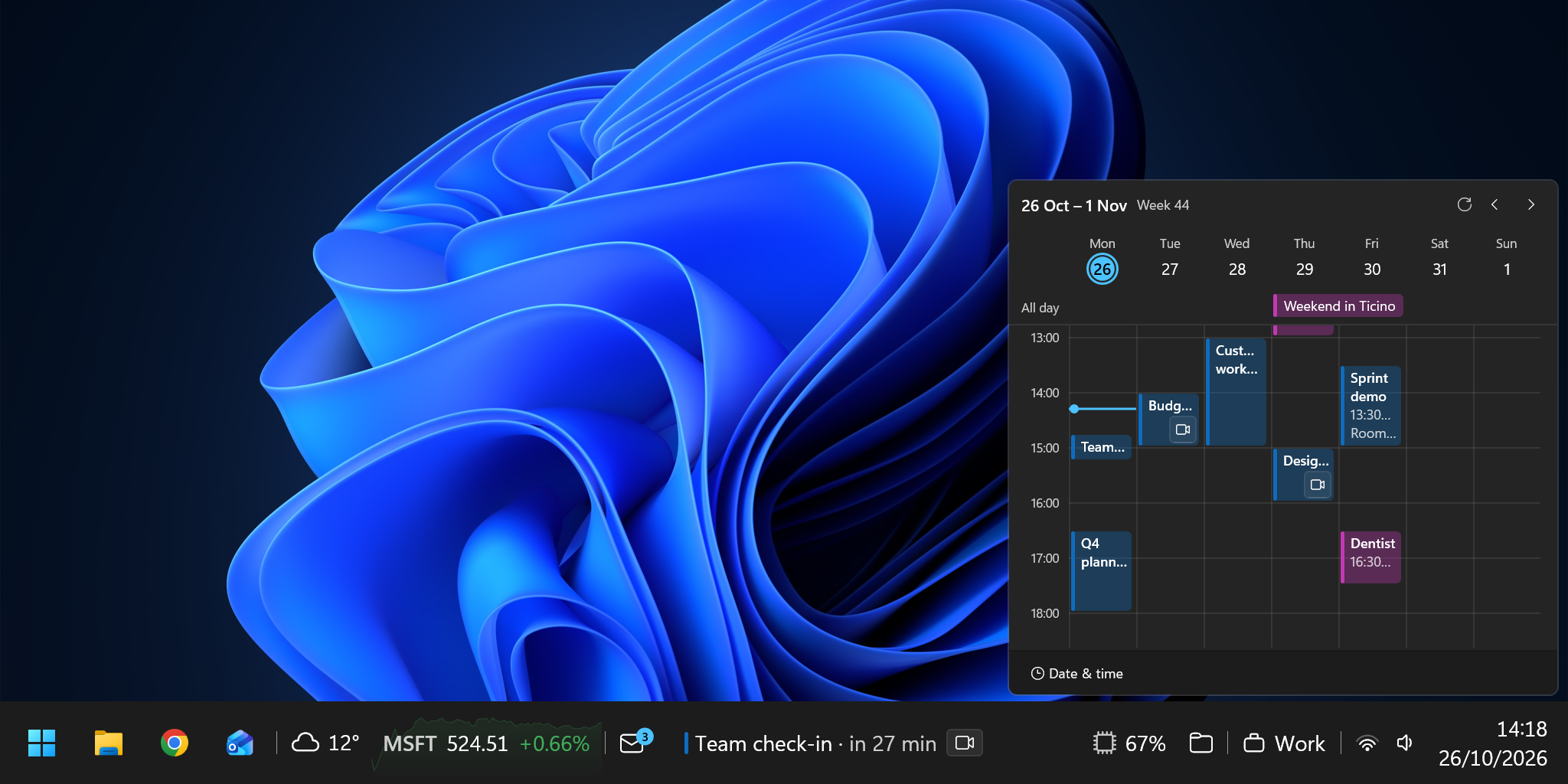
Karpo shows your next appointment and your newest emails on the taskbar, from your Microsoft account or another calendar and email account. One click shows the whole day.
123
See your whole week, meetings and all
Catch new emails as they come in
Join your next meeting in one click
See your whole week, meetings and all
Catch new emails as they come in
Join your next meeting in one click
At a glance
What you check all day, right on the taskbar.
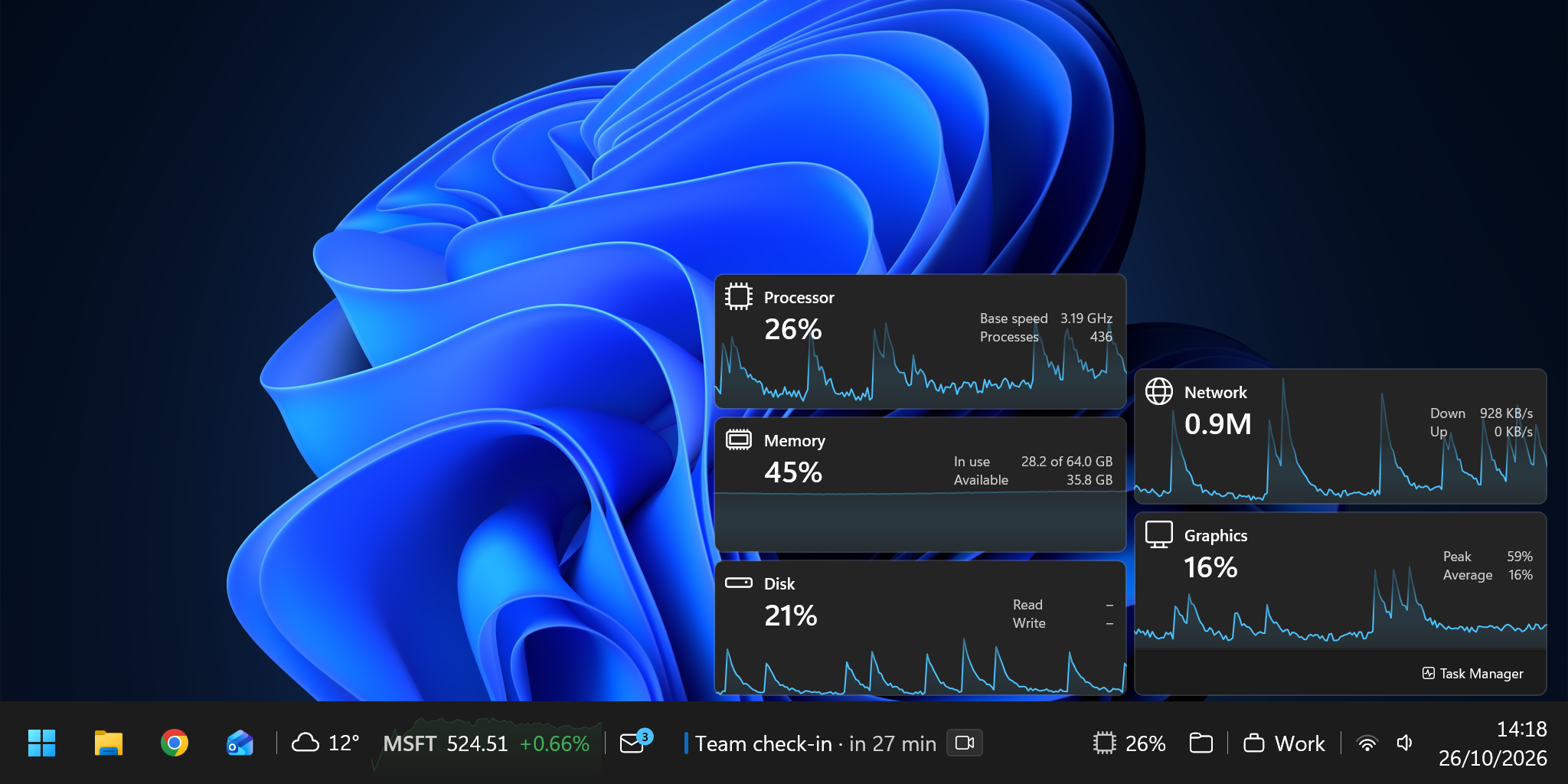
The weather, what's playing, how busy your PC is. Every widget opens with a click: the full forecast, your music controls, the details.
123
See how hard your PC is working
Keep an eye on your stocks
Check the hourly and weekly forecast
See how hard your PC is working
Keep an eye on your stocks
Check the hourly and weekly forecast
Folders
Folders you fill with widgets.
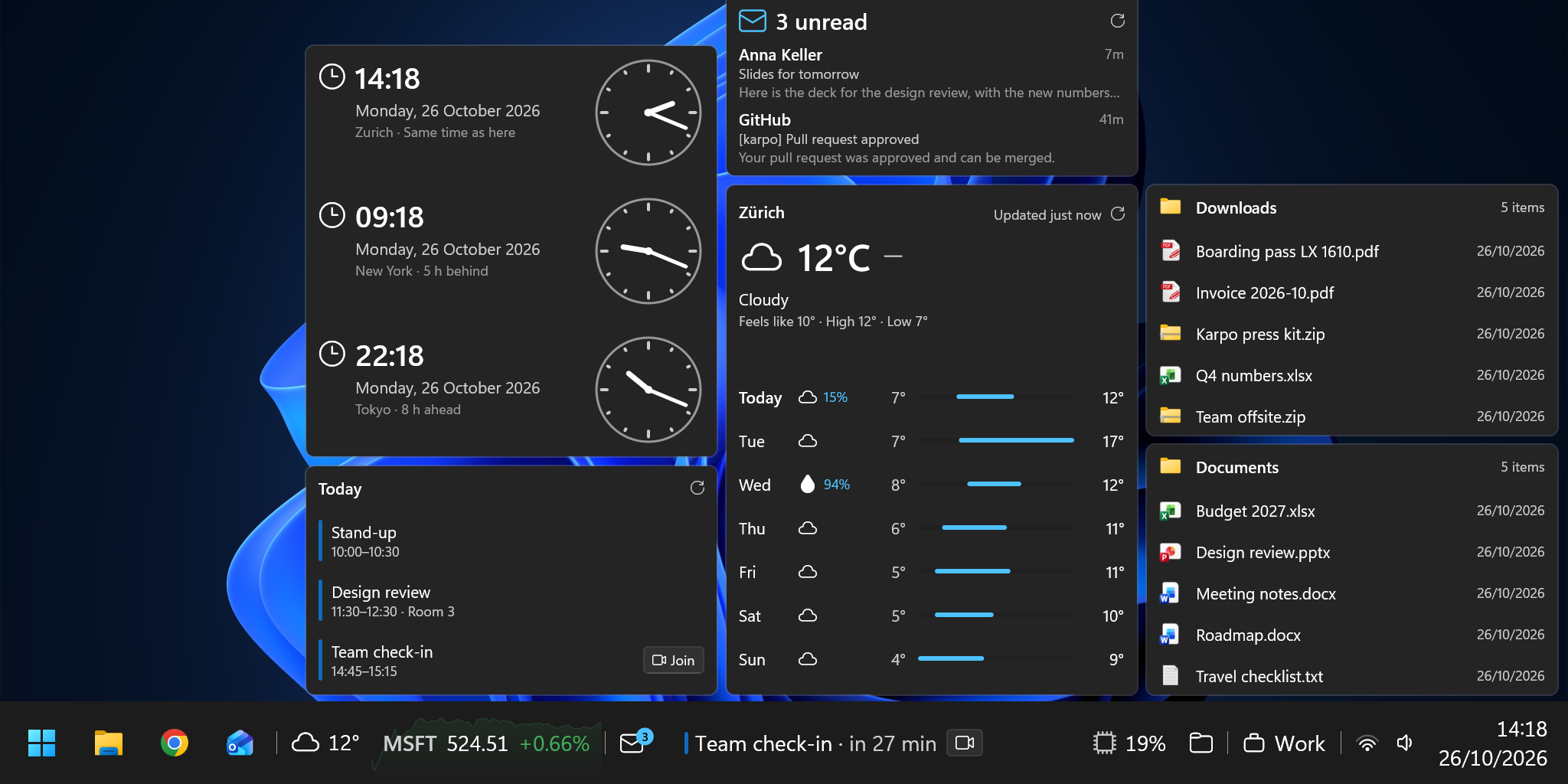
A folder opens into a small dashboard: clocks for three cities, today's agenda, your inbox, the forecast. Add what you need and put it in your order.
12
Build your own dashboard from widgets
Find your latest files without opening Explorer
Build your own dashboard from widgets
Find your latest files without opening Explorer
Layouts
A layout for every part of your day.
A taskbar for work with your calendar and mail, a dock for the evening with music and the weather, nothing but a timer when you need to focus. Switch in two clicks, or give every screen its own.
1234
Switch layouts for every part of your day
Back to the full taskbar
Just your apps and a timer
A dock with music and the weather
Switch layouts for every part of your day
Back to the full taskbar
Just your apps and a timer
A dock with music and the weather
Free to start. Pay once if you want more.
Every widget and every setting is in the free version. Karpo Pro lifts the limits.
Karpo
Free
Every widget and every setting
Up to 20 widgets per layout
Up to 2 layouts
No ads
No tracking
Coming soonWindows 11 and Windows 10
Karpo Pro
$15one purchase
Everything in Karpo
As many widgets as you like
As many layouts as you like
Free updates for this major version
Bought in Karpo through the Microsoft Store. Yours for good, no subscription.
Coming soonWindows 11 and Windows 10
Questions and answers
What Karpo reads, where it keeps it, and how it fits your PC.
What does Karpo read from my mail and calendar?
Only what it shows: the newest 30 messages in your inbox, your events from a week back to two months ahead, and your contacts. It only ever reads. Karpo can't send mail, change an event or mark a message as read. With a Microsoft account it asks for read-only access and nothing more.
Where is my data kept? Does it leave my PC?
It stays on your PC. Your passwords and sign-ins are encrypted by Windows for your Windows user alone, and so is the offline copy of your calendar and inbox. Karpo has no servers of its own, no account, no analytics and no crash reports. Your mail and events come straight from your provider to your PC.
Which other services does Karpo connect to?
Only the ones its widgets need: your mail and calendar provider, Open-Meteo for the weather (with your location rounded to about a kilometre), Yahoo Finance for stock prices, and websites and feeds you add yourself. When you add a mail account, Karpo looks up its server settings, which can mean asking Mozilla's Thunderbird directory about your email domain.
Which mail and calendar accounts work?
Microsoft accounts, personal or work and school (Outlook.com, Hotmail, Microsoft 365), for your calendar, contacts and mail. Any IMAP account for mail; Gmail and iCloud need an app password. CalDAV and CardDAV servers such as iCloud, Fastmail or Nextcloud for calendars and contacts. If your organisation doesn't let you approve apps yourself, an admin approves Karpo once.
Does it work with Google Calendar?
Not yet. Gmail works for mail, through IMAP with an app password, but Google Calendar needs a kind of sign-in Karpo doesn't support yet.
Does Karpo work with more than one monitor?
Yes. Karpo puts a bar on every display. Each one can sit on its own edge, at the top, bottom, left or right, and show its own layout, or nothing at all.
Can I go back to the Windows taskbar?
Any time. Choose “Quit Karpo” in its settings and the Windows taskbar comes back as it was. If Karpo ever crashes, it gives the taskbar back on its own. To keep both, turn off “Hide the Windows taskbar”. To remove Karpo, quit it first, then uninstall it in Windows Settings like any other app.
Does Karpo run on Windows 10?
Yes, on Windows 10 version 2004 or later as well as Windows 11, on 64-bit (x64) PCs. We recommend Windows 11. On Windows 10, Karpo uses Windows 10's icons, and a few quick settings only Windows 11 has, such as the mobile hotspot, aren't there.
Does it replace Start or search?
No. Start and search are Windows' own, and Karpo's buttons open them just as the Windows taskbar's do. Karpo replaces the bar around them: your apps, the system tray, the clock and the widgets.
Do I need an account? Does it work offline?
There is no Karpo account. Without internet it keeps going: the bar runs on your PC, and your calendar, mail, weather and stocks show what they last fetched until you're back online.
Get Karpo
Set up your taskbar in a few minutes. You can always go back to the one Windows came with.
Your meetings and emails on the taskbar
Weather, music and your PC at a glance
Folders you fill with widgets
Layouts for work, evenings and games
Coming soon to the Microsoft StoreWindows 11 and Windows 10